How to configure automatic email responses?
Hashtags: #Email #Corporate #AnsweringMachine #AutoResponder
Automatic responses, or autoresponders, are configured from the control panel.
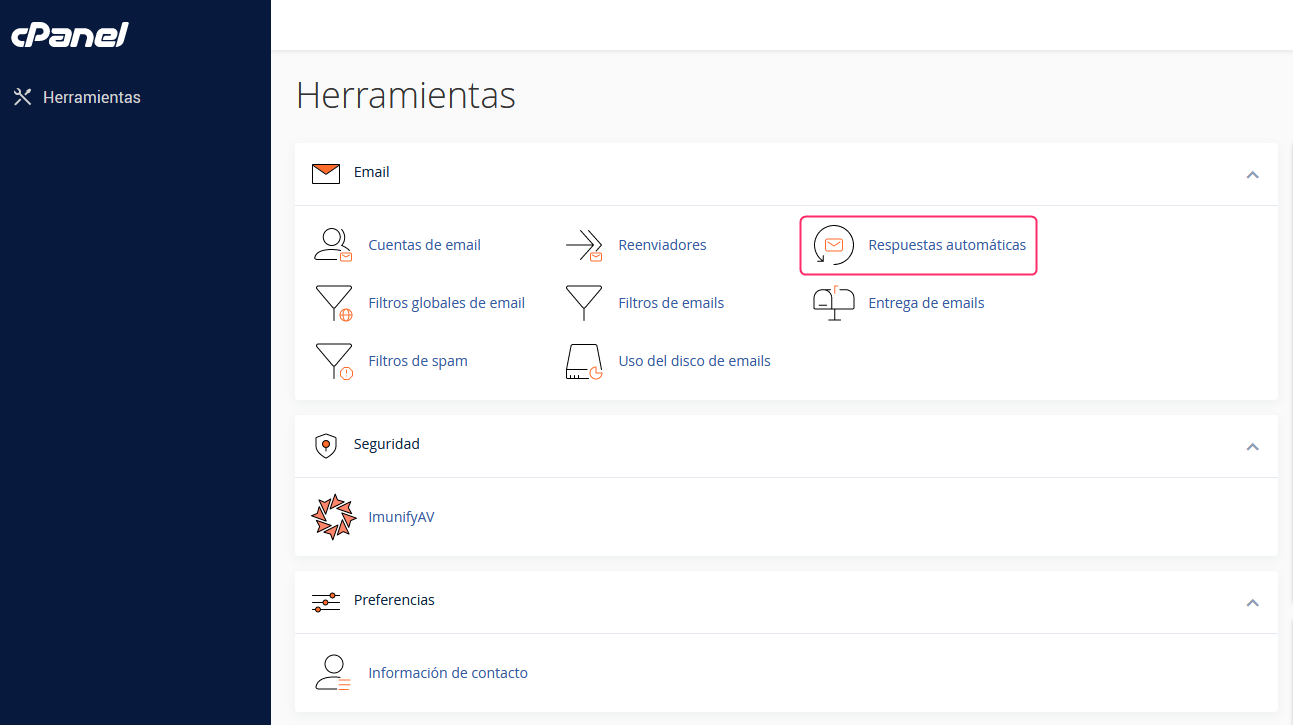
- In the cPanel control panel, go to Autoresponders, in the Email box.
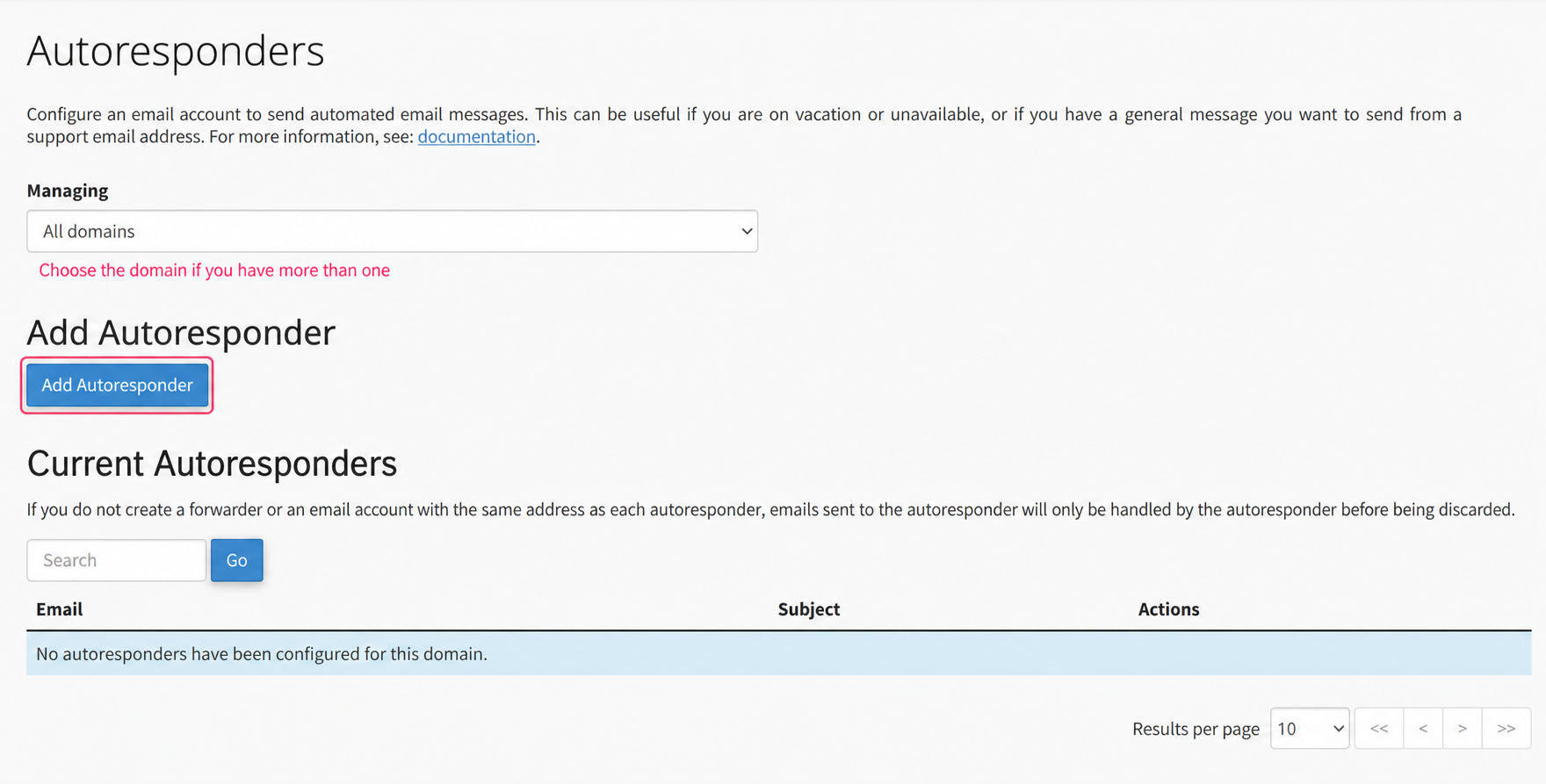
- First, choose the domain with which you will generate the Autoresponders, in Managing. Then press Add Autoresponder to create it.
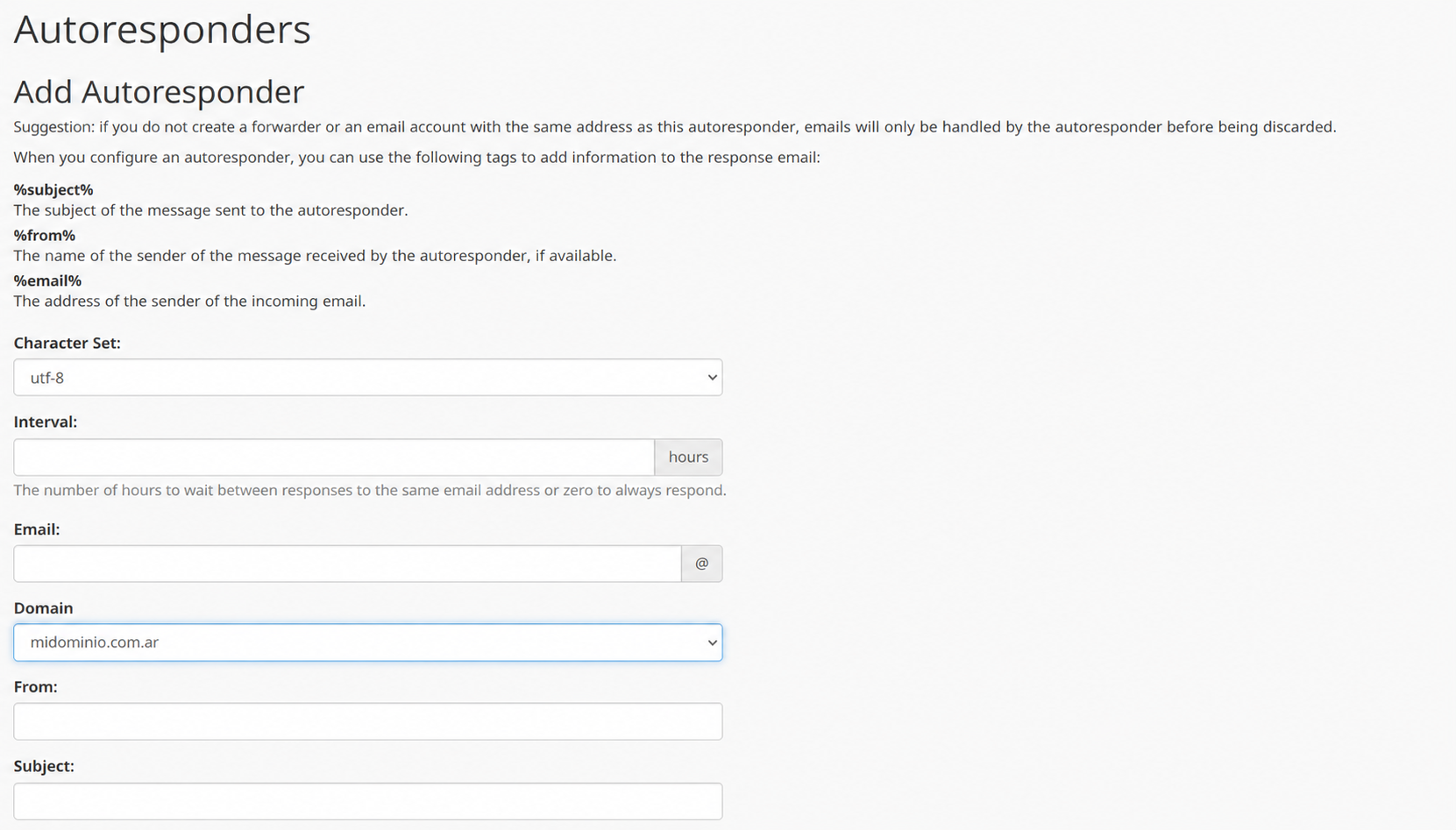
- The configuration of the Autoresponder is quite simple. The form will ask for an email account that will generate the autoresponses, the sender’s name, the subject, and the body of the message to send.
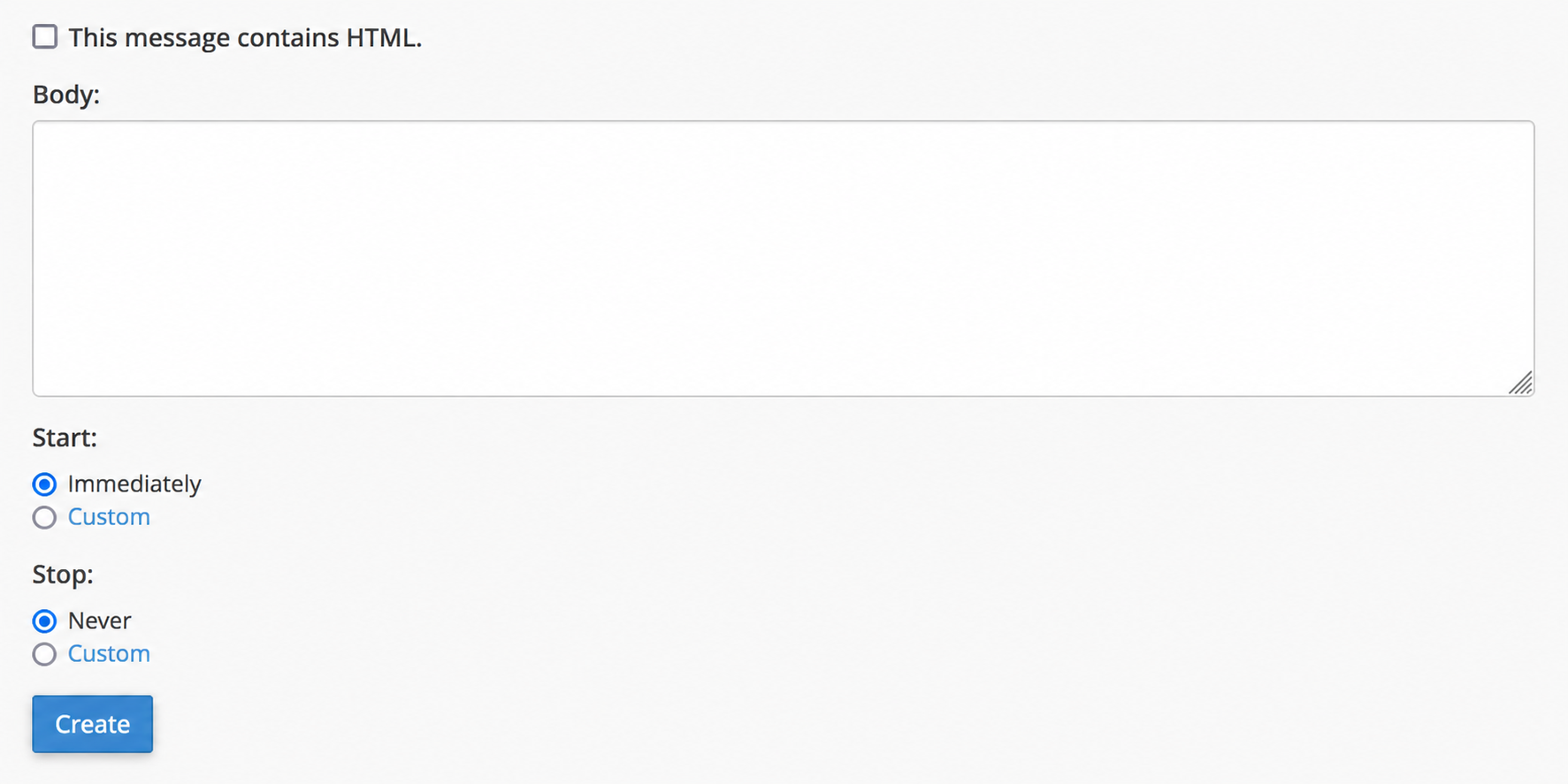
- You can configure when the Autoresponders will be activated and when they will end. You can configure this in the Start and Stop options.
- Finally, press the Create button and the autoresponder will be created.