

How do I open a support ticket?
To open a support ticket follow these steps:
- Log into your Client Area.
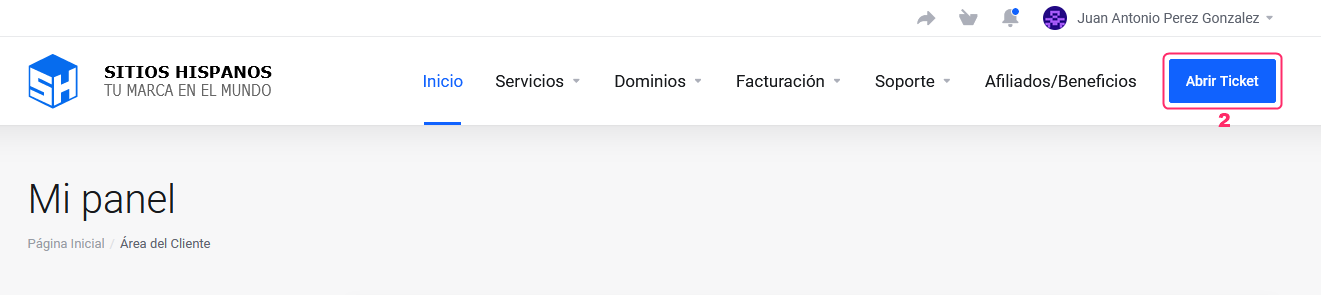
If you don’t remember how to access it, follow this link: How to access the Client Area - In your Client Area click the “Open Ticket” button.
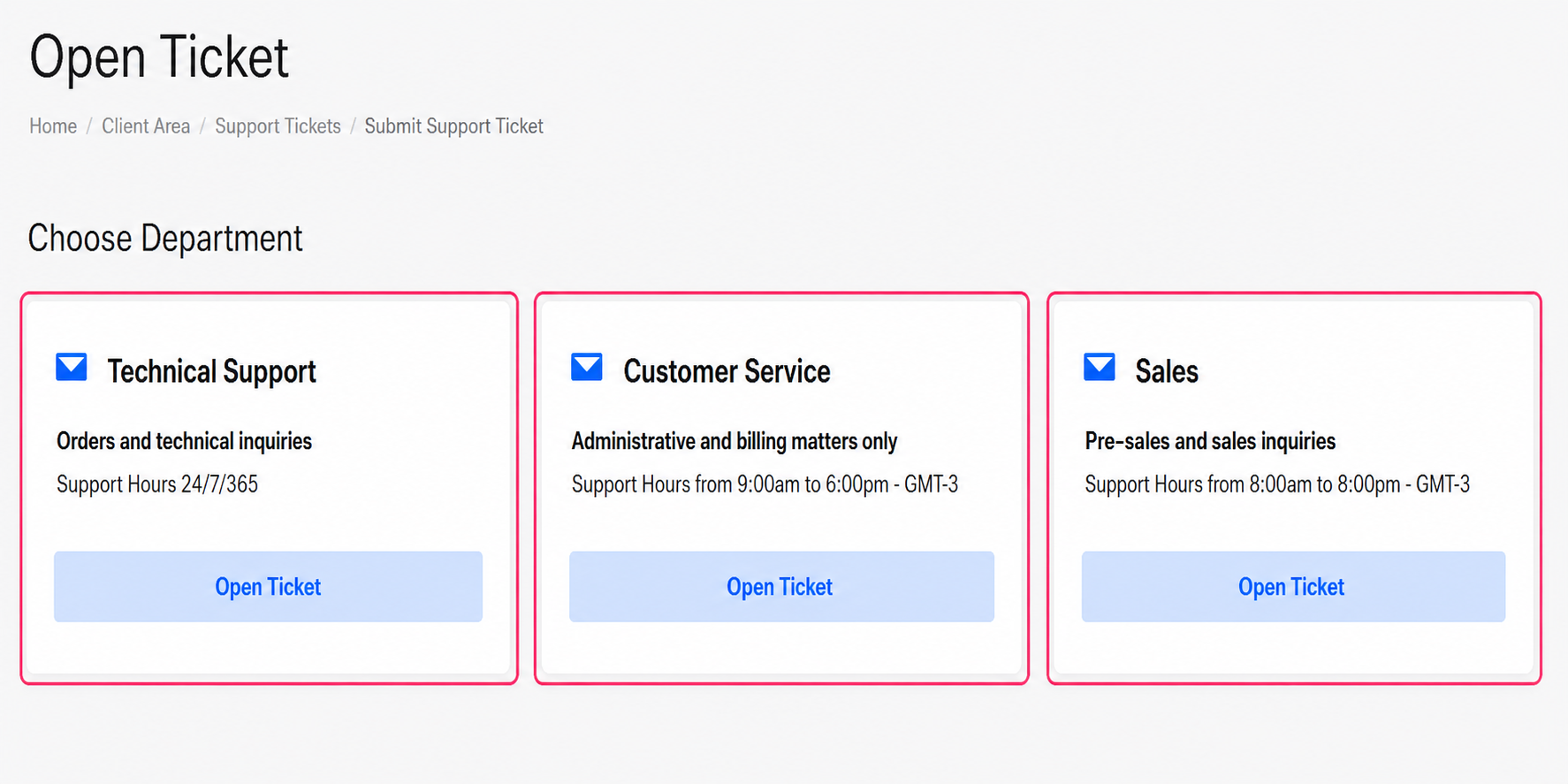
- You will find the three support departments to submit your query.
Open a ticket in the department that corresponds to the type of query you have and they will respond as soon as possible.
Access the Help Center:
Remember that we have a Help Center where you will find answers to most of your questions.
Access it by clicking the following link: