

How to enable two-factor authentication?
Hashtags: #two #factor
Within WHM you can manage this option that allows you to increase the security of access to cPanel.
Before starting this procedure, take into account cPanel’s suggestions regarding the apps to use on your mobile phone:
- For Android, iOS and Blackberry => Google Authenticatior
- For Android and iOS => Duo Mobile
- For Windows Phone => Authenticatior.
After accessing the WHM of your Reseller plan, go to the “Security Center” => “Two-Factor Authentication” option.
If upon entering this section the message appears: “The two-factor authentication security policy is disabled”, contact us to enable it.
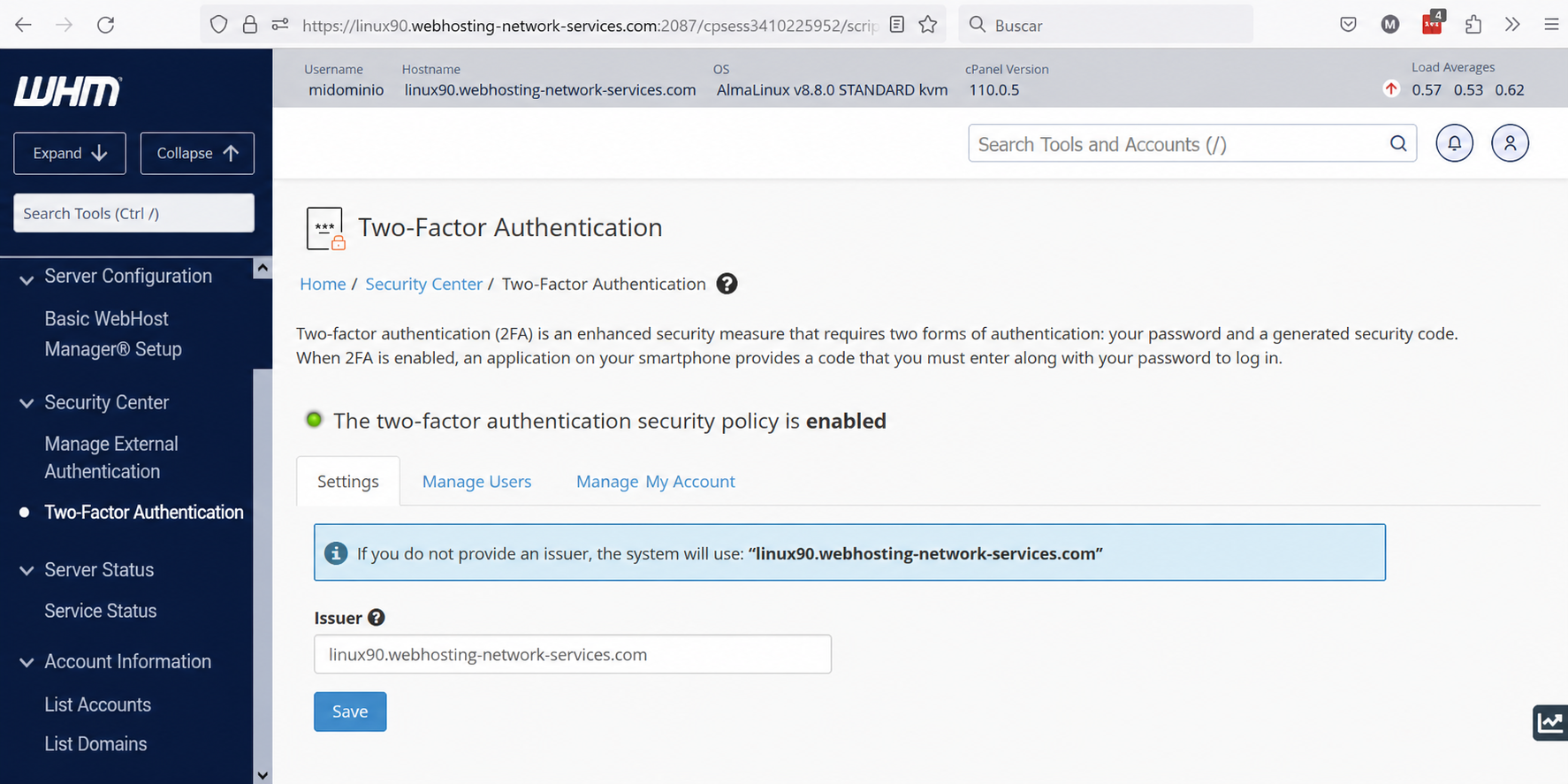
The image above is what you’ll see as soon as you enter. In the “Settings” tab you should not edit anything — leave the provider/issuer as the server Hostname.
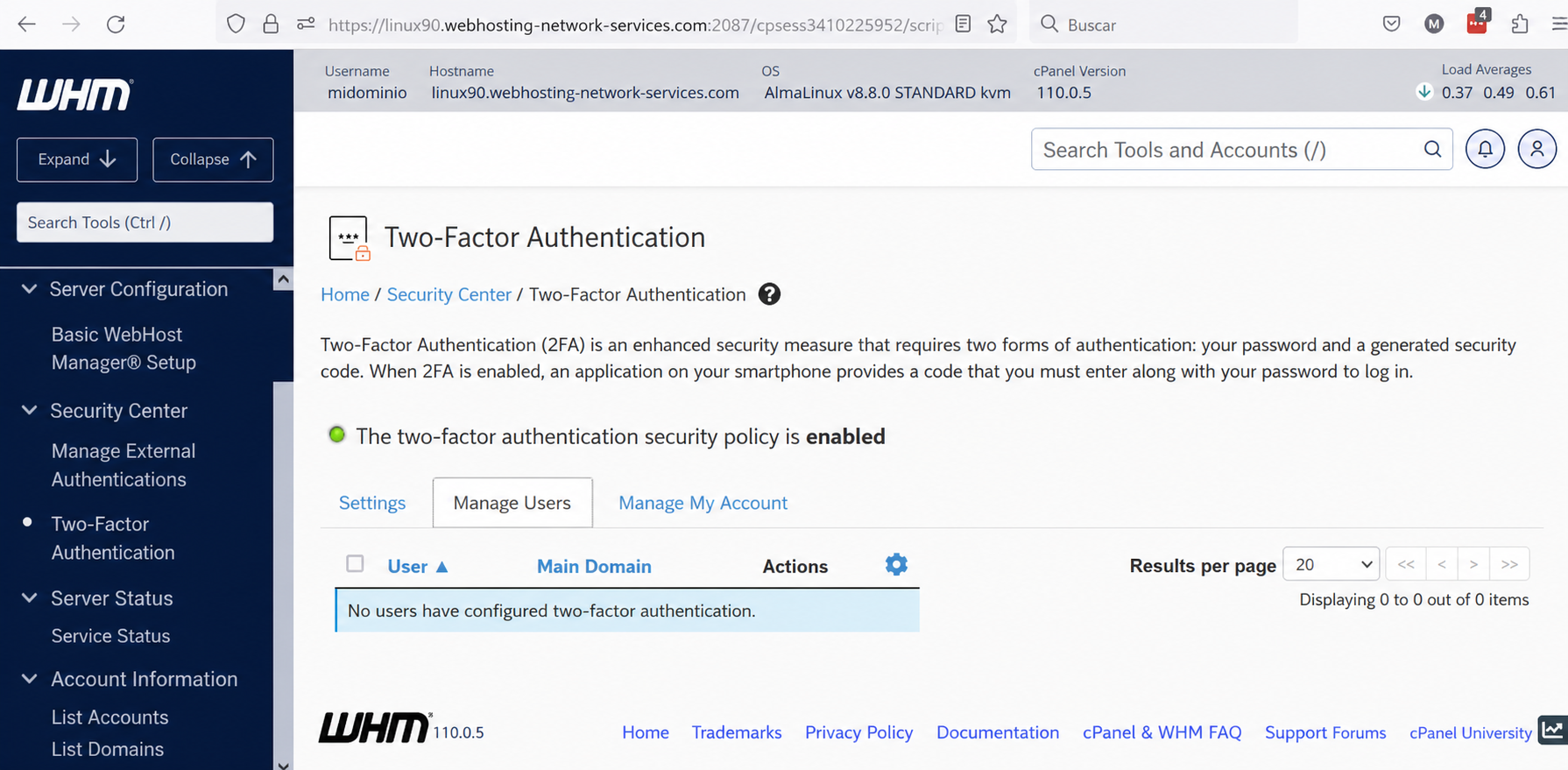
On the “Manage Users” tab you will find the list of accounts that have the Two-Factor Authentication option enabled in their cPanel, since for a user to appear here that option must be activated and configured in each cPanel.
Among the actions on this tab, for example, is disabling Two-Factor Authentication.
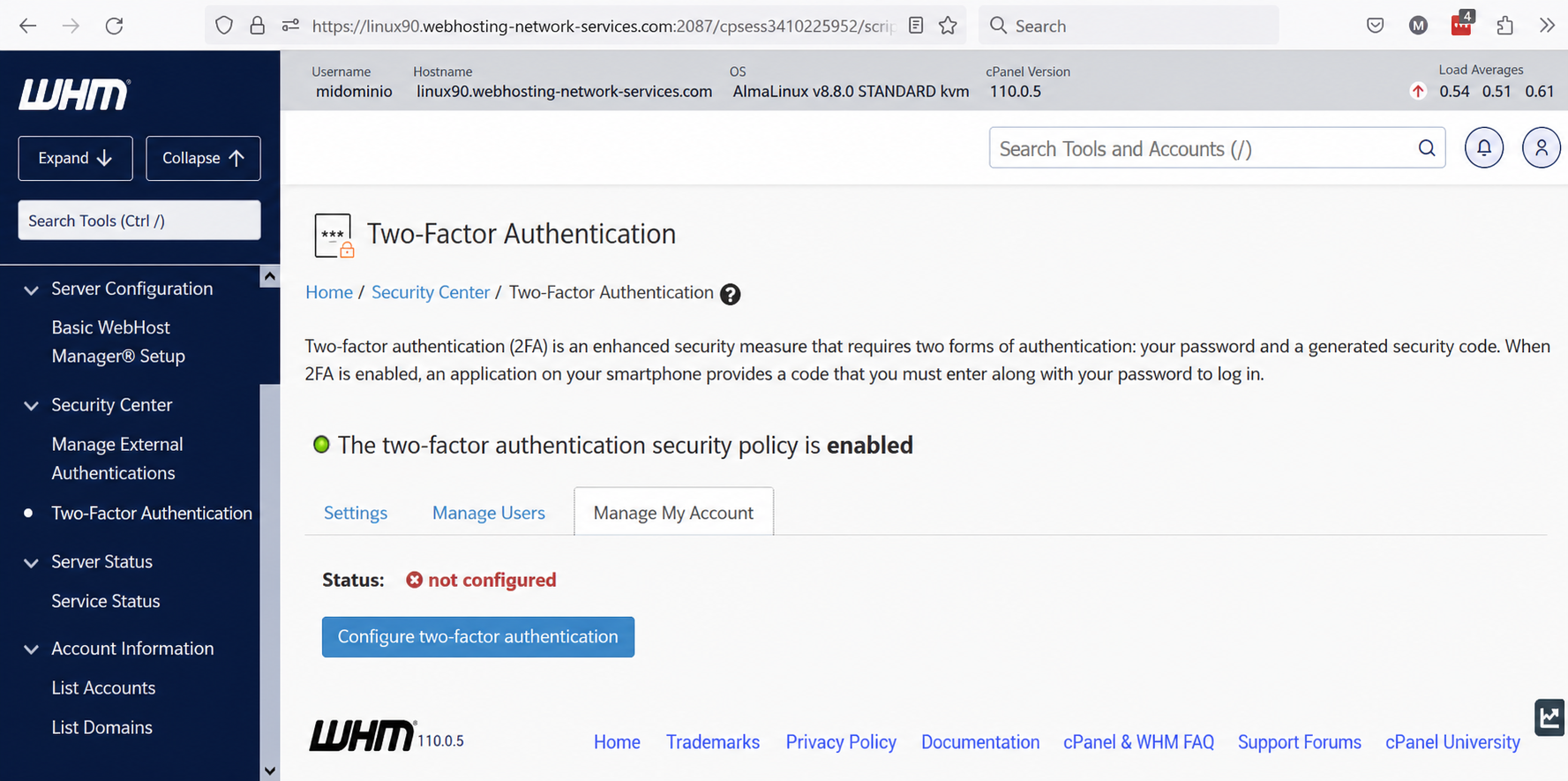
In the “Manage My Account” tab, you can configure two-factor authentication for access to your WHM.
If the status is “not configured”, click the “Configure two-factor authentication” button (the detailed process below can also be used to configure “Two-Factor Authentication” in cPanel).
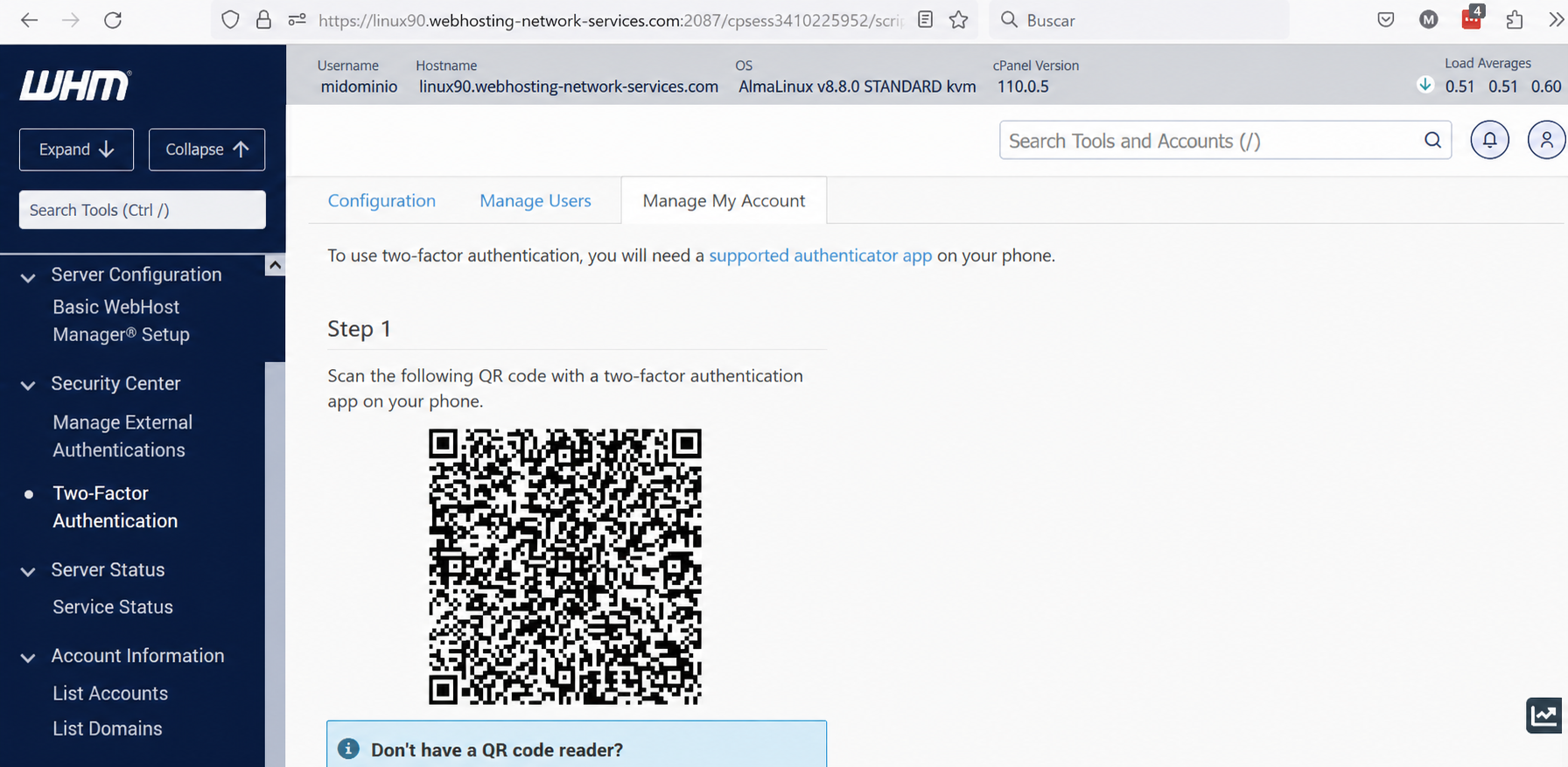
Open the app you downloaded on your phone to use the two-factor authenticator. Depending on which one you downloaded, you should add a new item or code, having two options: use the QR generated in WHM (like the one shown in the image above) or use the account credentials and key also generated in WHM.
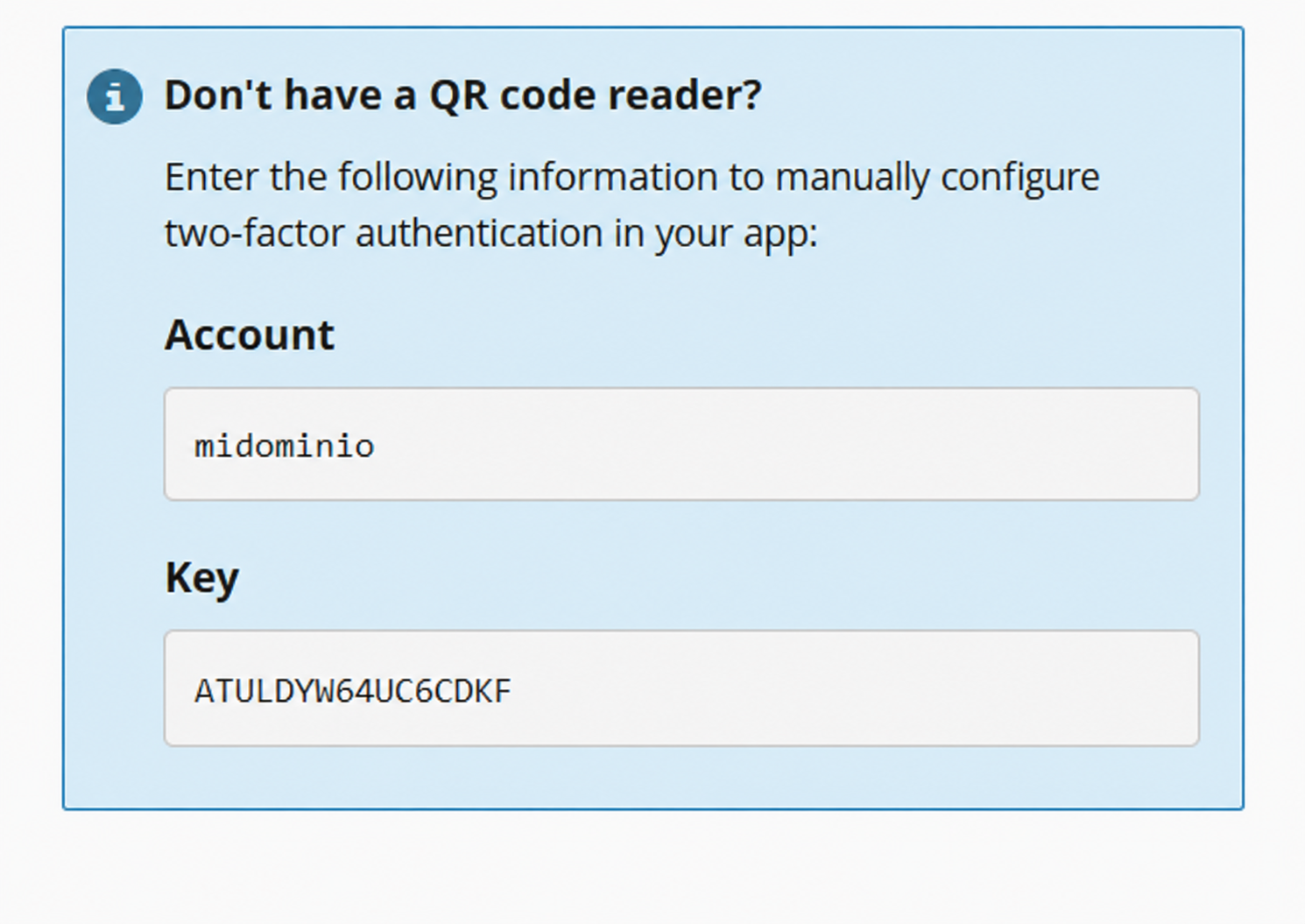
Once done, the authenticator will be configured in the app on your phone. You only need to enter the code generated by the app in step 2, in “Security Code”, and click the “Configure two-factor authentication” button.
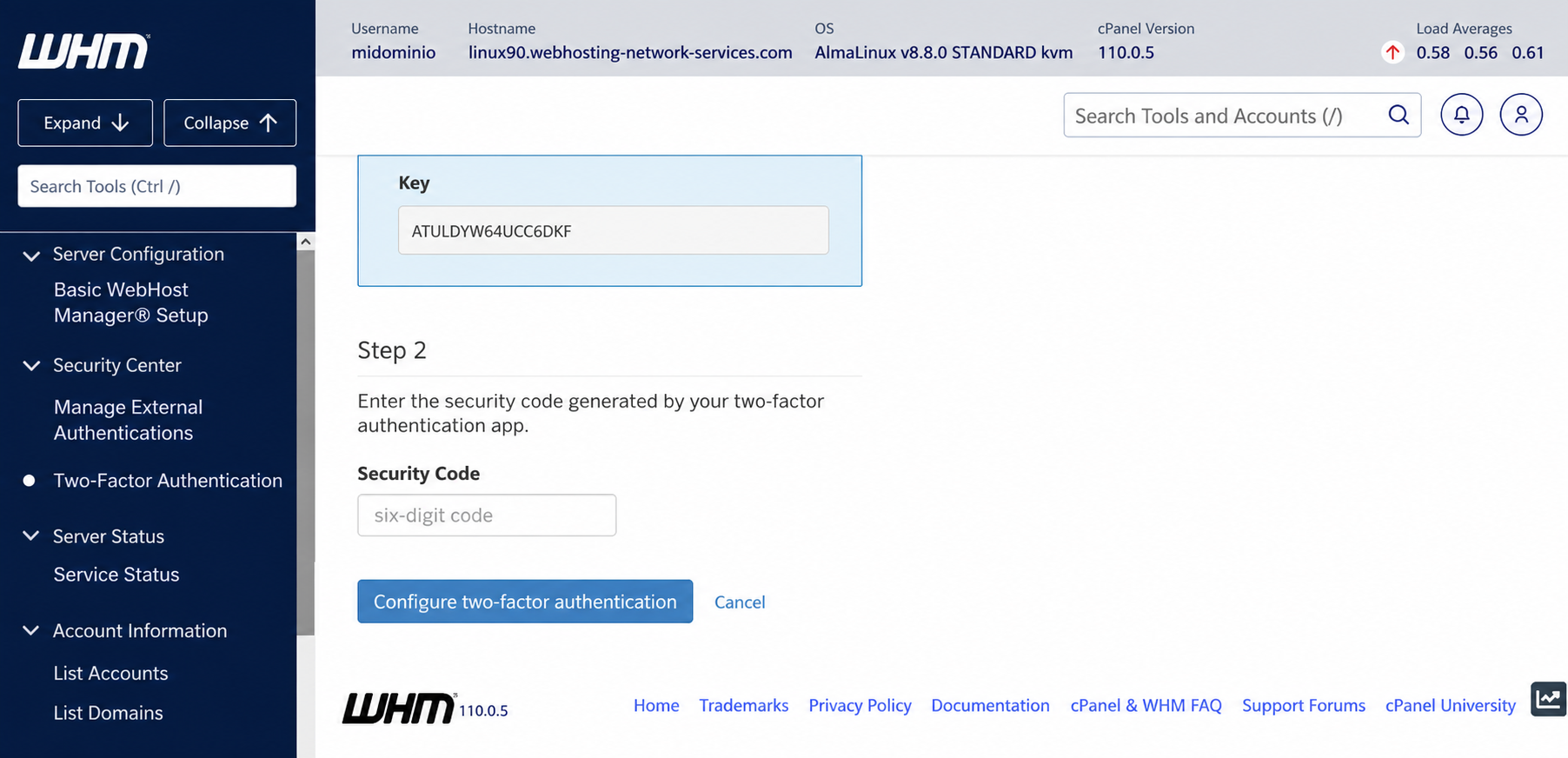
What is explained in this section can be applied to the cPanel process of enabling Two-Factor Authentication on an account.
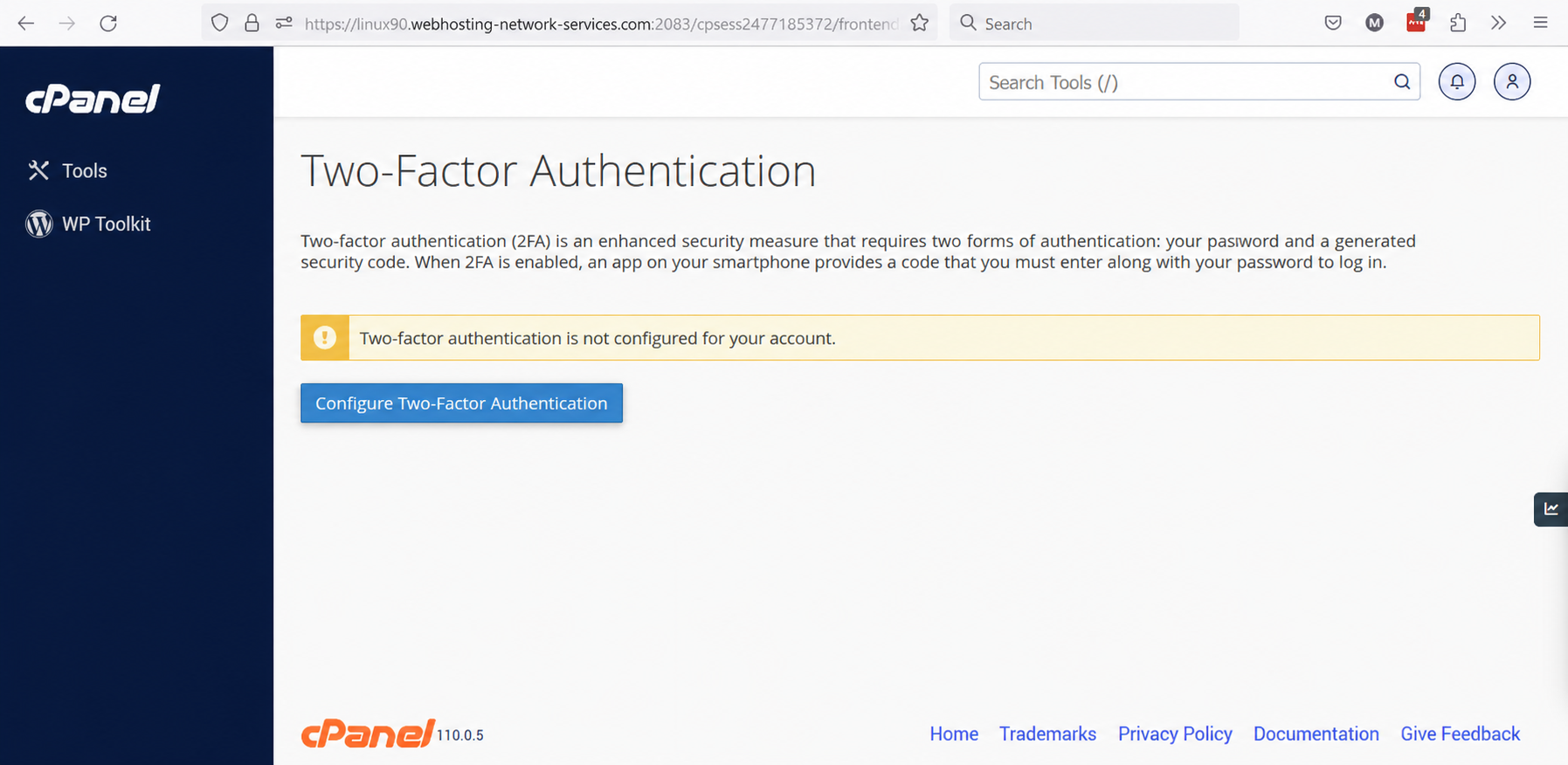
As you can see, the process is identical.