How can I pay for my services in advance?
Hashtags: #payment #advance #early-payment
If you want to pay for a service in advance, follow these steps:
- Log in to your Client Area.
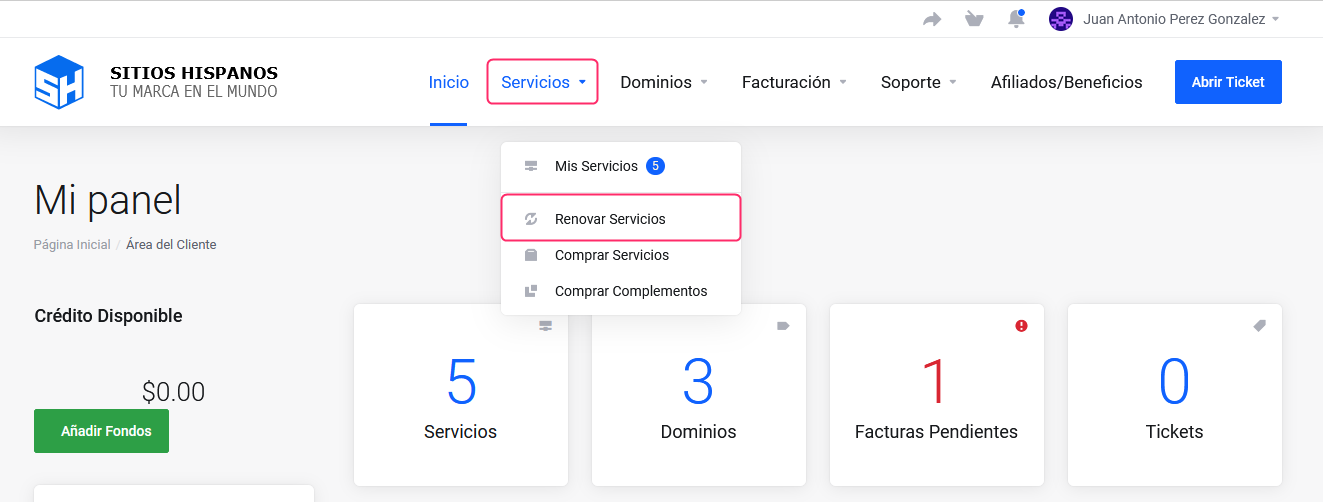
If you don’t remember how to log in, follow this link: How to access the Client Area - In your Client Area click on “Services” in the menu and select “Renew Services”.
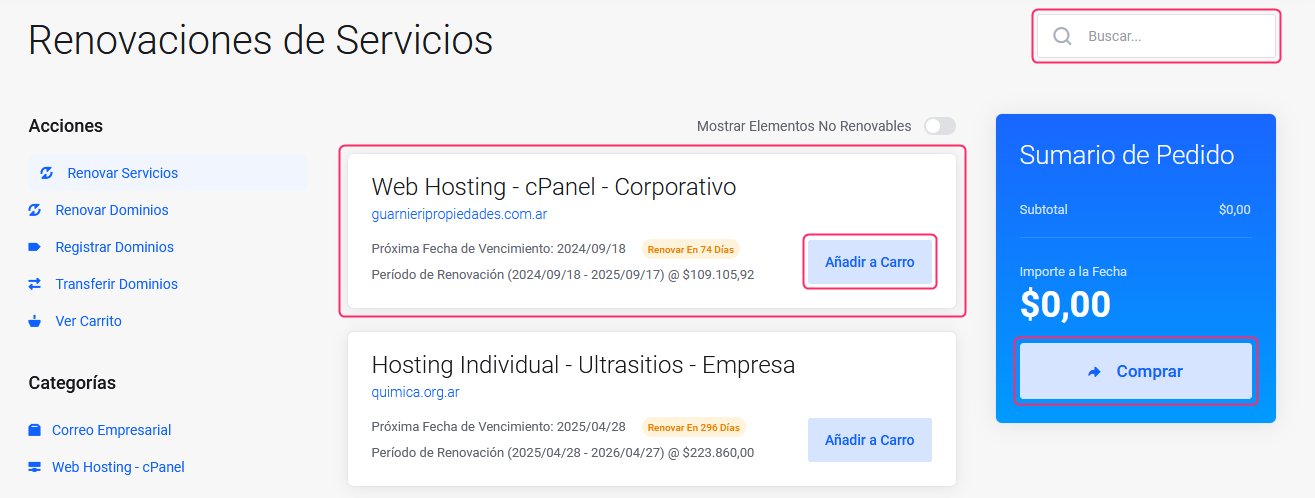
- You will see the list of services that can be renewed in advance.
You can see the due date on which the next invoice would be generated.- Choose the plan you want to renew by pressing the Add to Cart button
- You will see the final renewal price of your service on the right
- Below, by pressing the “Buy” button you can proceed with the process to pay the invoice that will be generated for this service.