

How do I create backups of my accounts?
To create backups of an account follow these steps:
- Go to the BACKUPS area.
- You will see the list of already generated backups and their information, such as the space they occupy and when they were generated.
- Using the Create Backup button you can create a new backup of an account.
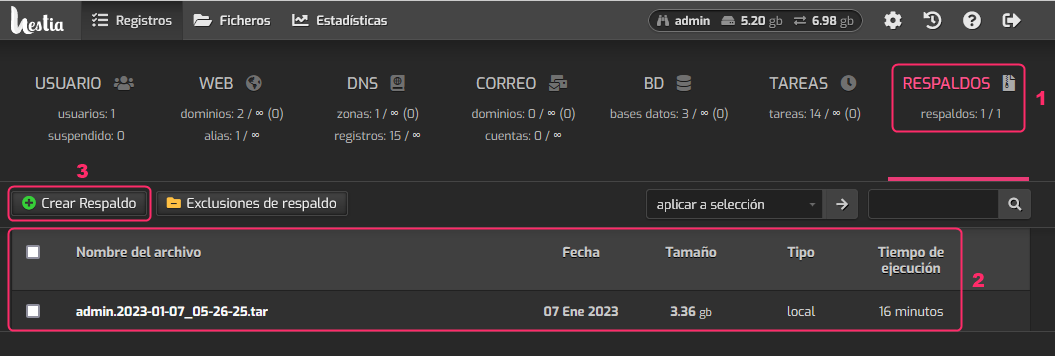
When the backup finishes generating it will appear in the list as shown in step 2.