

How do I deploy a Stack?
Hashtags: #docker #stack #deploy
To start installing an application Stack you must connect via SSH to your server using the credentials we’ll provide when you activate your account.
Example SSH connection details:
Host: 69.61.21.122
User: root
Password: (the root password of your cloud)
Port: (specific port for your cloud)
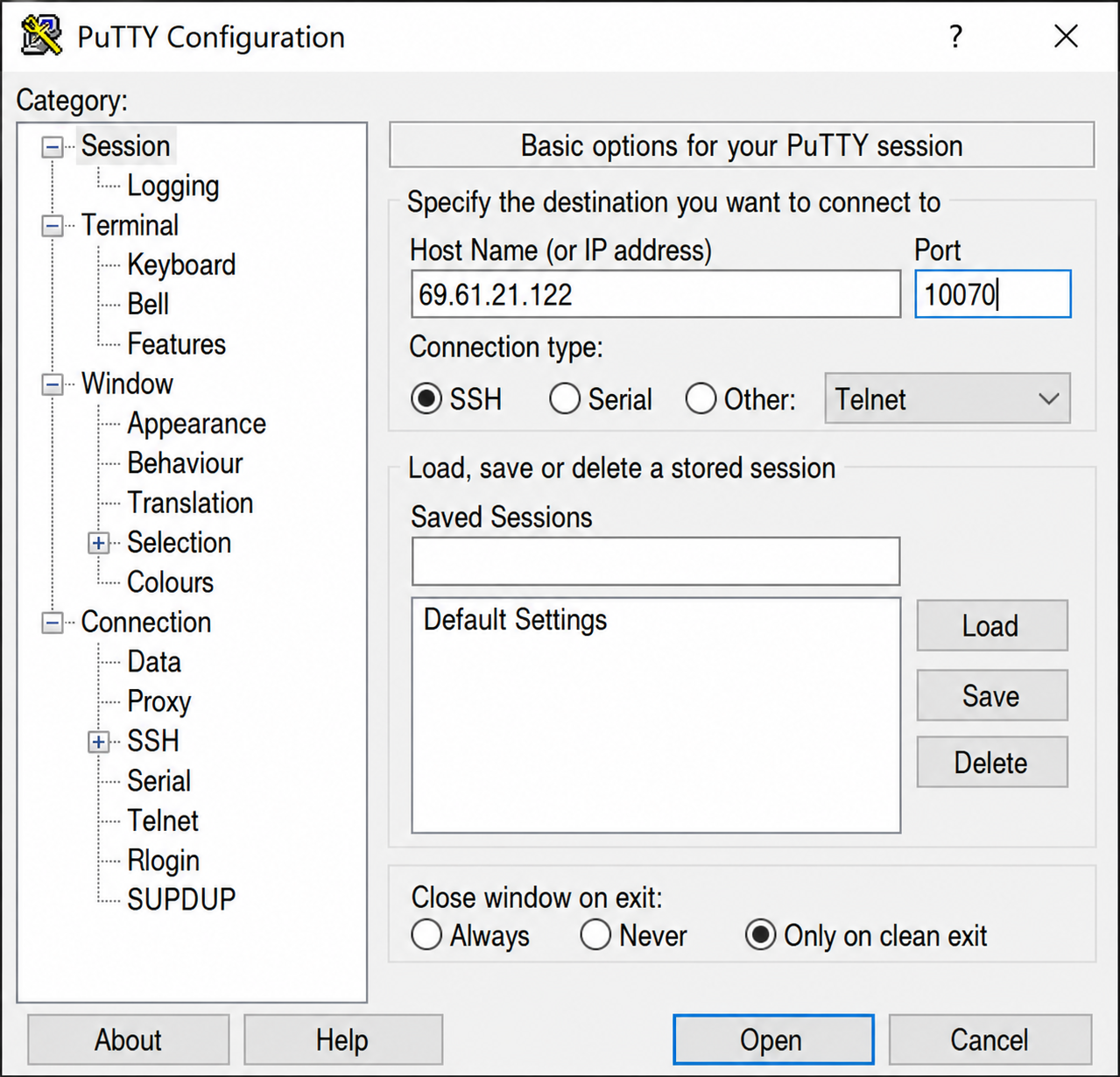
Example connection with Putty
Once you’ve logged into your server’s console, simply run the following command:
docker-deploy-stack
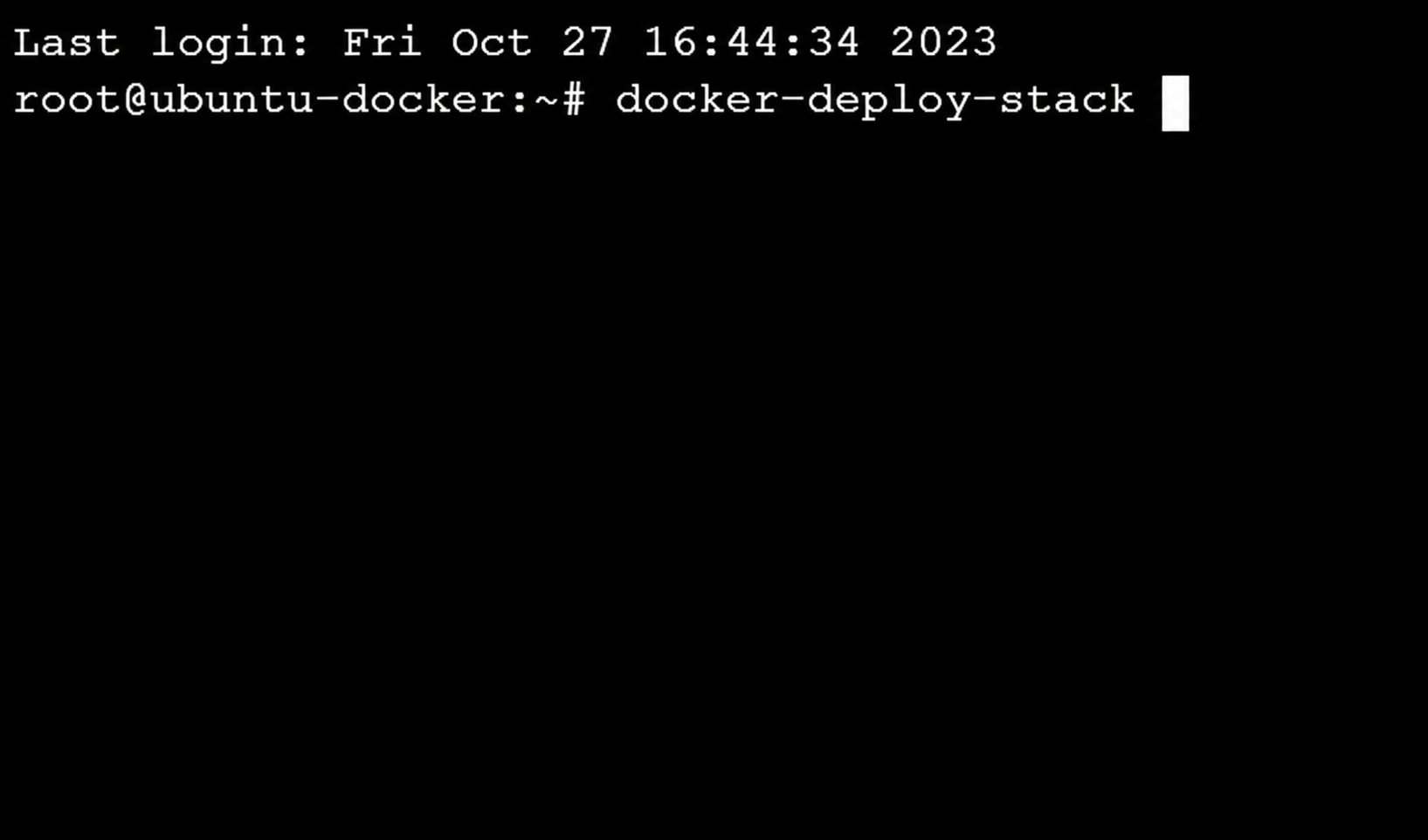
The command will open a menu asking you which type of Stack to deploy.
Below, you’ll see a link to our documentation where you should look up the installed Stack to follow specific instructions for the chosen Stack.
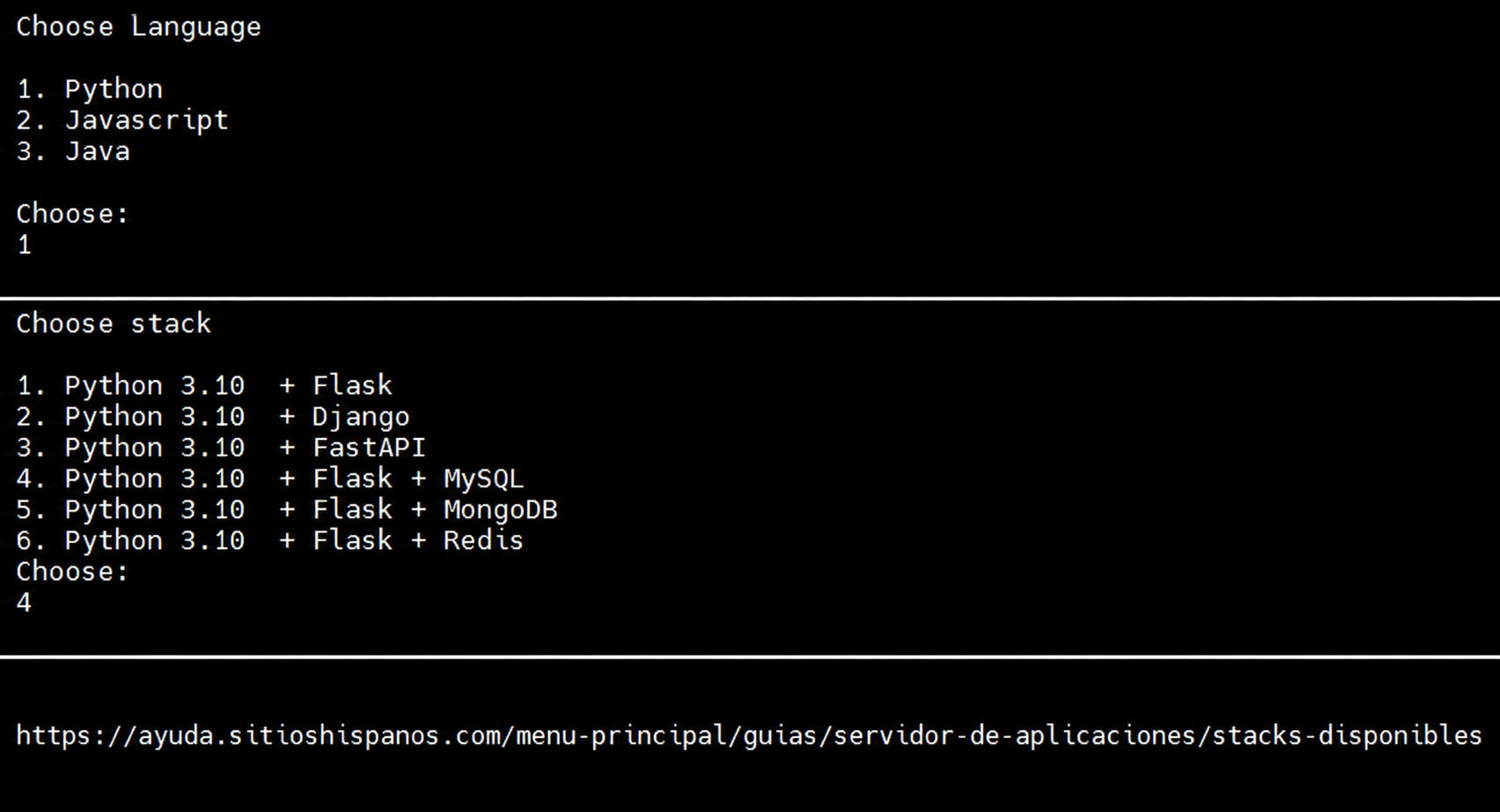
The documentation for each Stack will show relevant information and the commands to deploy it.
For example, deploying Python> Flask + Mysql would be:
cd stack/python/flask-mysql
docker compose up -d
.png)
Once the Stack installation is complete you can test it immediately from your browser by entering the application’s domain.

Now, you can upload your application from Git, Wget, etc, following the steps in the guide: como-despliego-una-aplicacion-en-un-stack.md