Where to view the error logs for my website in Plesk?
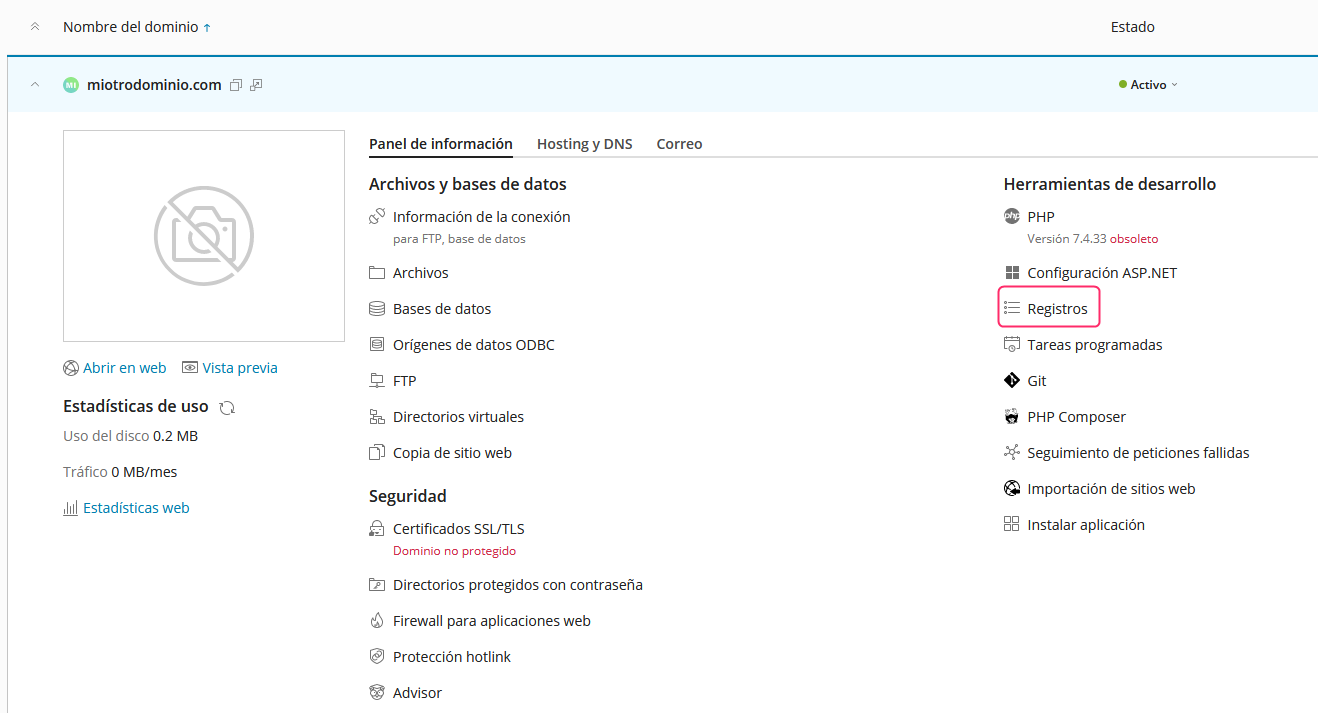
To view the error logs that your website may be generating, follow these steps:
- Go to your account control panel and then, in the central options, select Logs.
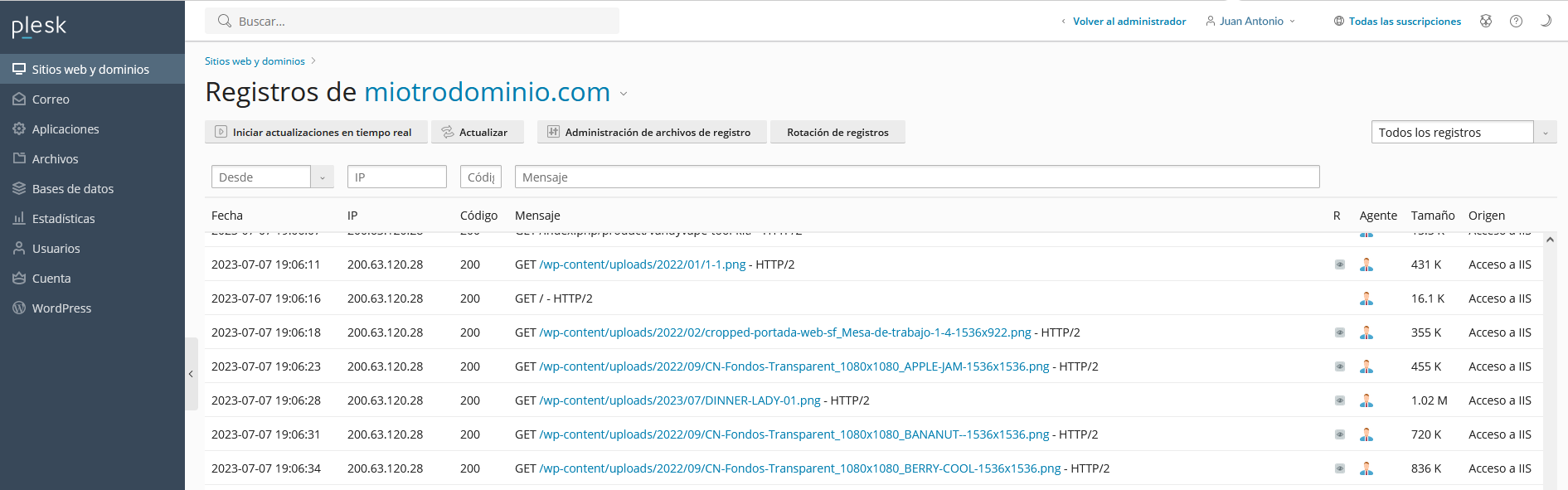
- You will see the contents of the error log.
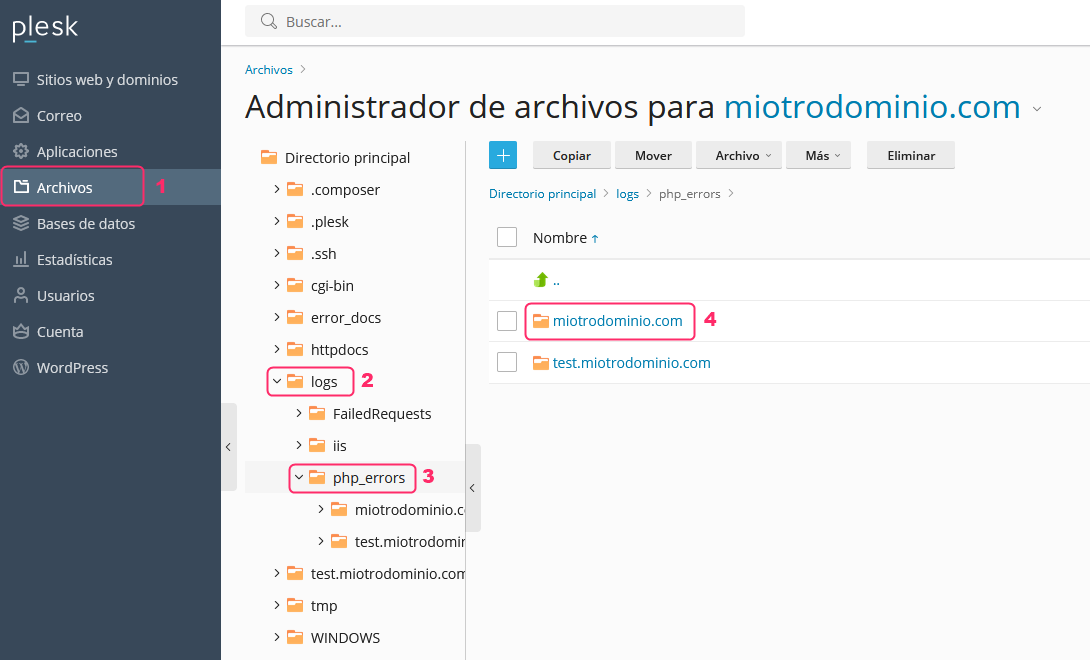
You can also view PHP error logs by following these steps:
- Go to the File Manager from the Files option in the left-hand menu.
- Then, follow the directory path Logs=>php_errors=>tudominio.
- If your website uses PHP and has generated errors, you will see them in the file inside your domain’s directory.