

What to do if my connection to the server has been blocked by the firewall?
If you don’t see your site online, your mailboxes don’t work and you can’t access your control panel, it is very likely that the server’s firewall has blocked you.
Go to the following page to quickly see what your IP is: https://www.cual-es-mi-ip.net/.
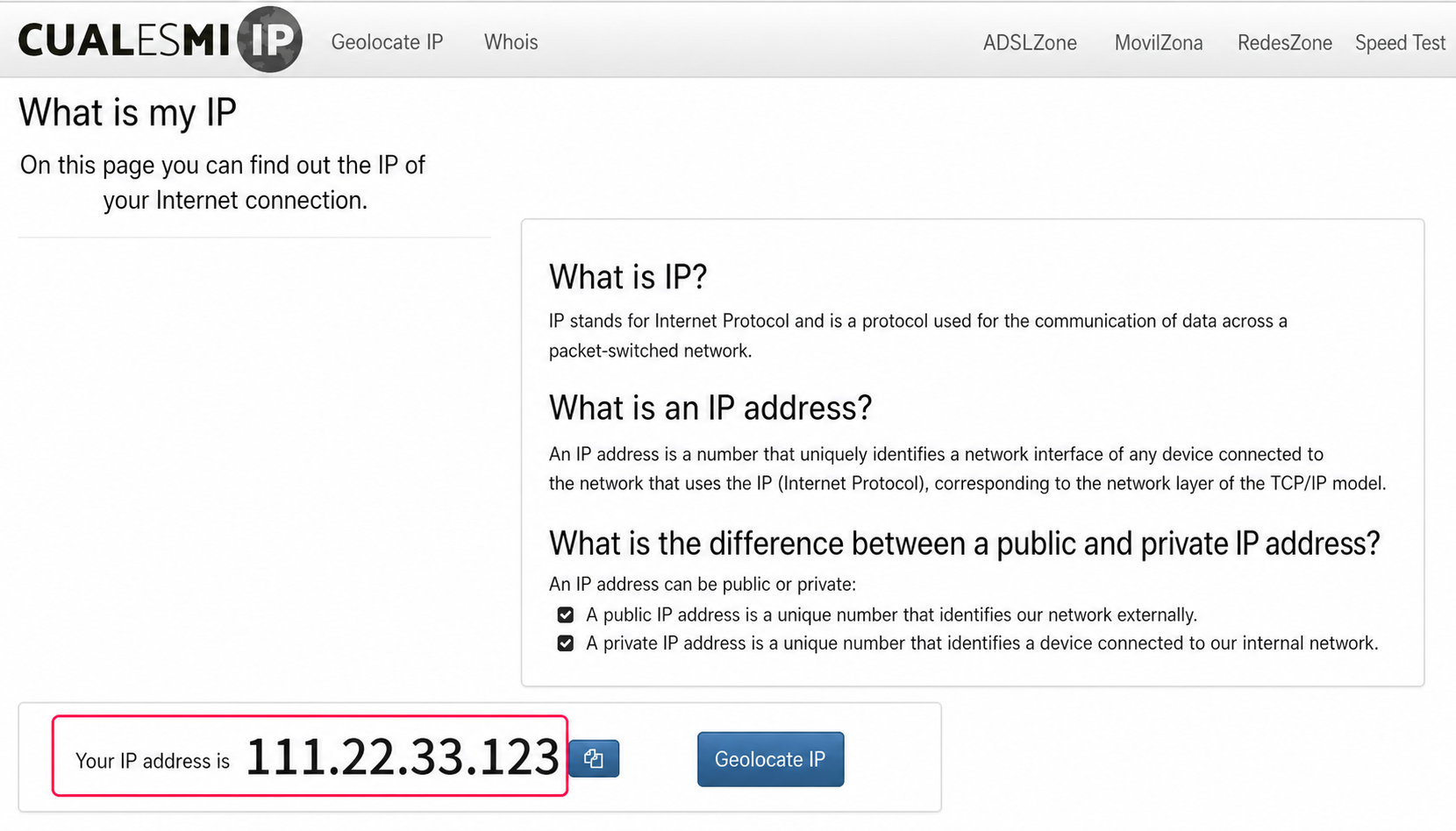
Then, contact technical support informing them of the incident, give them your IP and they will check the firewall for a possible block.
If your connection was blocked they will unblock you and inform you what caused the problem.\ Usually it is repeated entry of a control panel password or an email account password.